Set the tone at the entrance
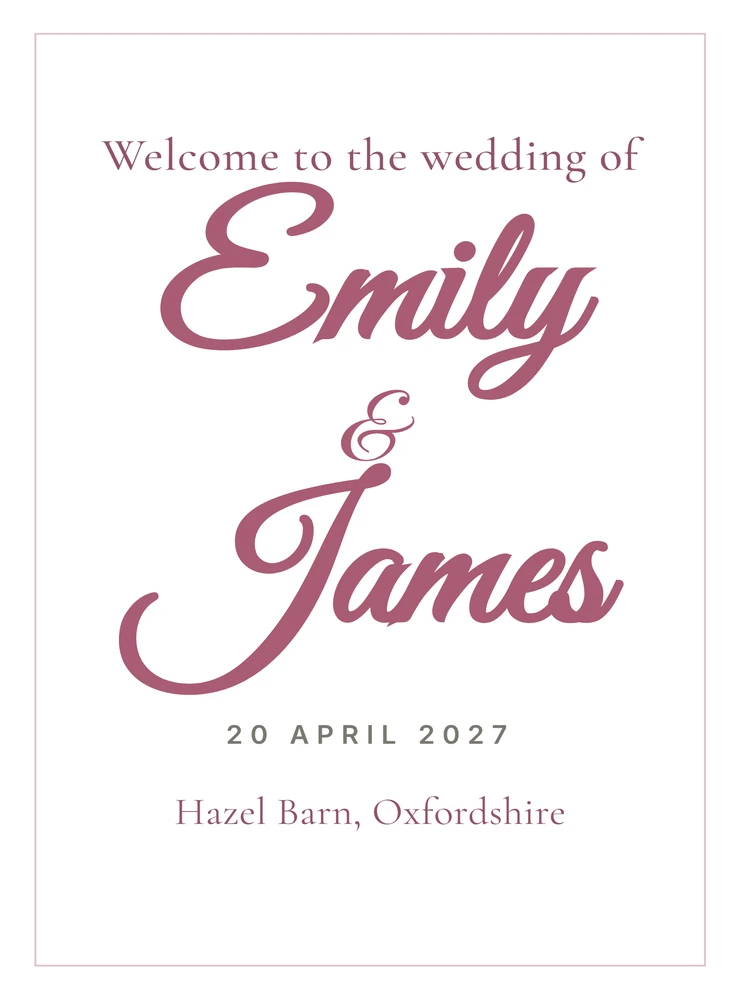
Personalise the welcome sign with names, date and venue, with an optional photo that stays on your device.
Wedding signage maker
Type the names once, choose a design and colour, then personalise fifteen coordinated signs from the welcome board to the place cards. Print at home or save the finished set as PDFs.
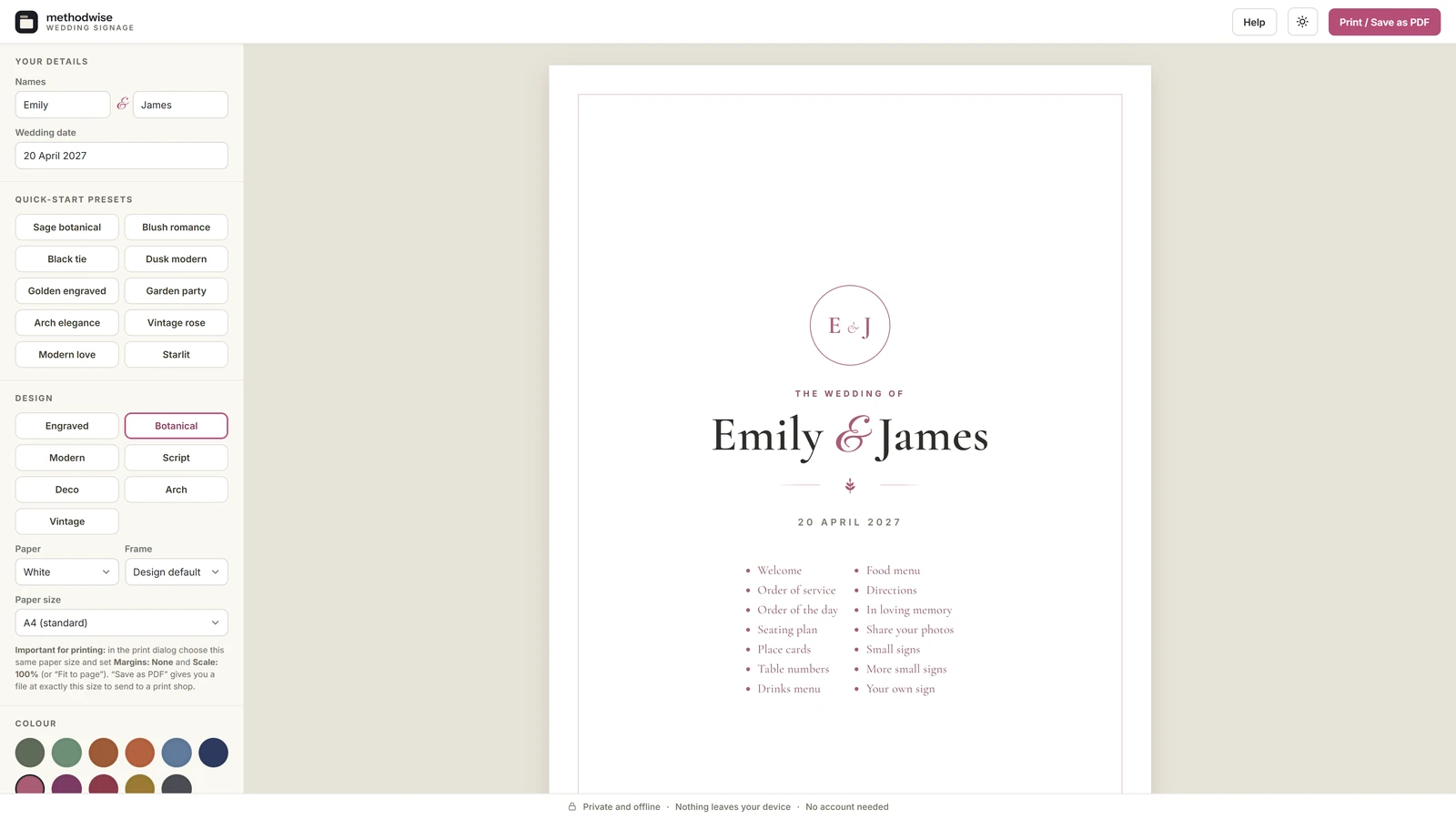
The actual editor in light mode, shown with example wedding details.
One coordinated set
Change the names, date, venue, design or colour once and the whole pack follows.
Personalise the welcome sign with names, date and venue, with an optional photo that stays on your device.
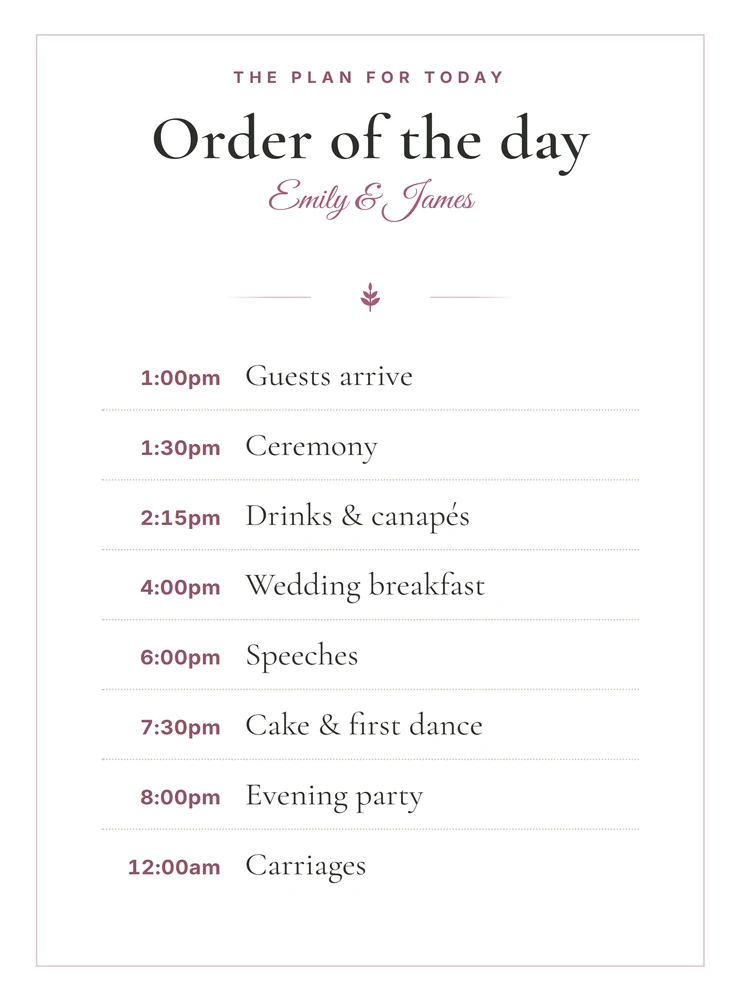
Edit and reorder the order of service and running order without retyping the rows underneath.
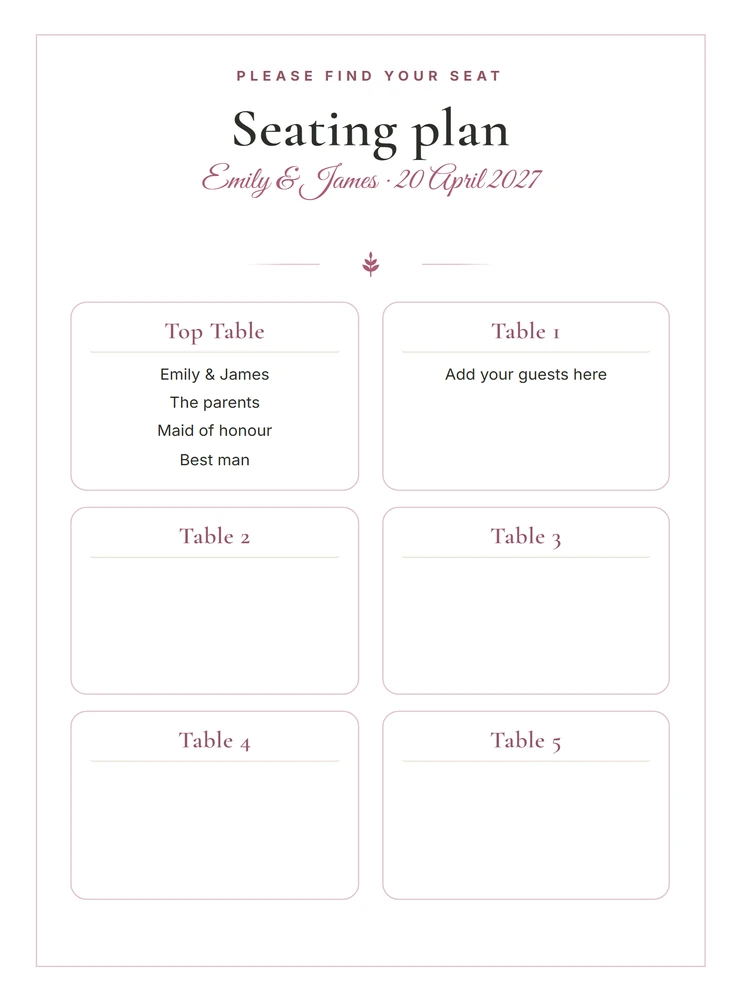
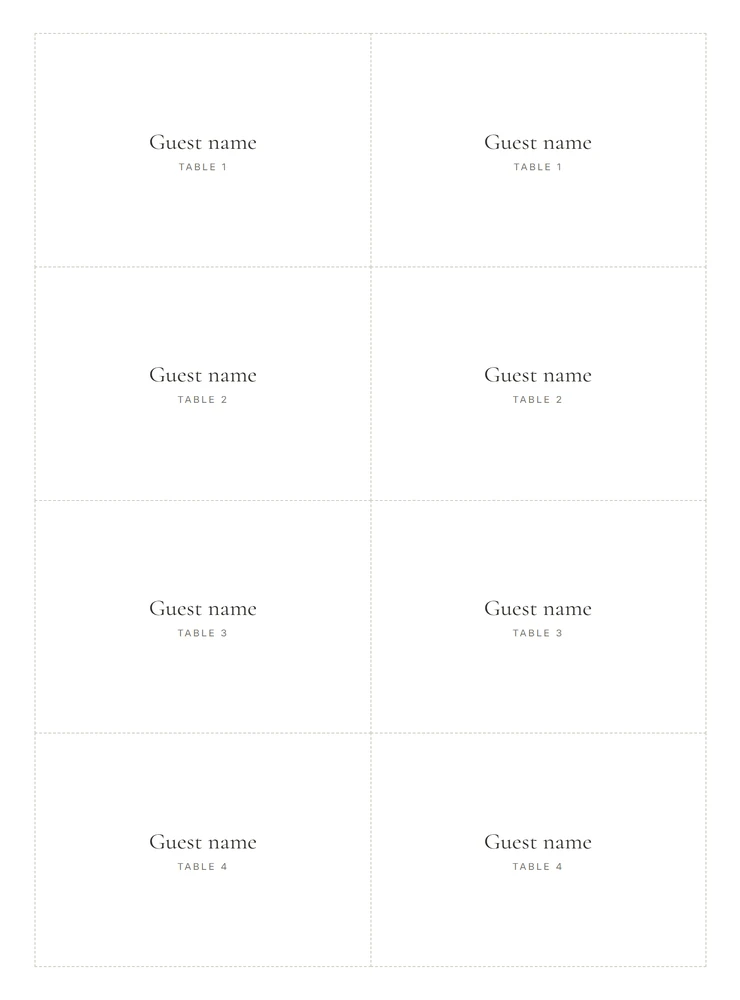
Turn a list of names and table numbers into the seating plan, place cards and table-number sheets.
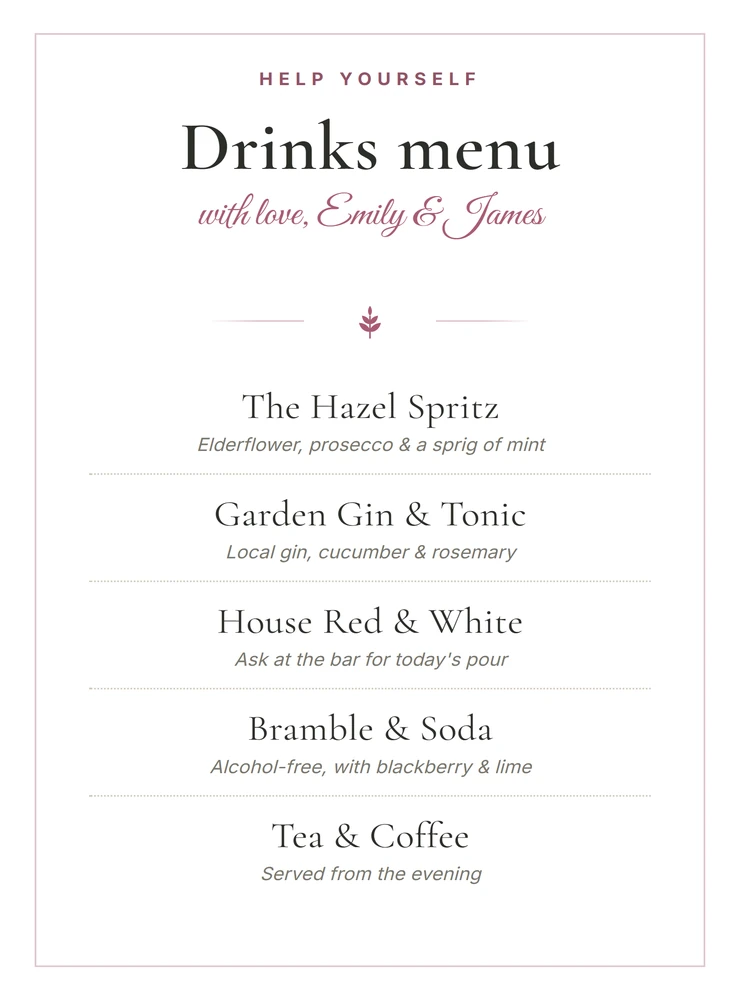
Add, remove and reorder food courses and drinks while the design stays matched to the rest of the signs.
Include directions, an in-loving-memory sign, a photo-sharing hashtag and two sheets of smaller venue signs.
Create as many custom signs as needed, with the same frame, colour, fonts, monogram and motif.
The set itself
Every sign is produced from the same names, colours, type and decorative details, so the printed set belongs together.
One guest list, three outputs
Add each guest as Name, Table N. The maker turns that list into three coordinated parts of the set.
Seven design systems
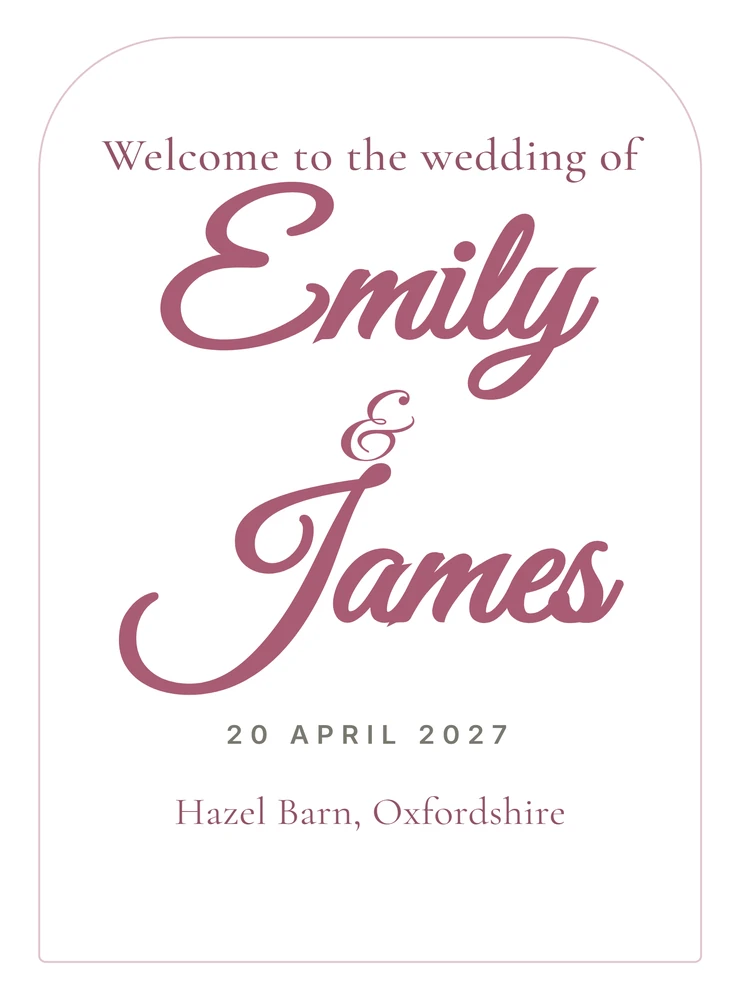
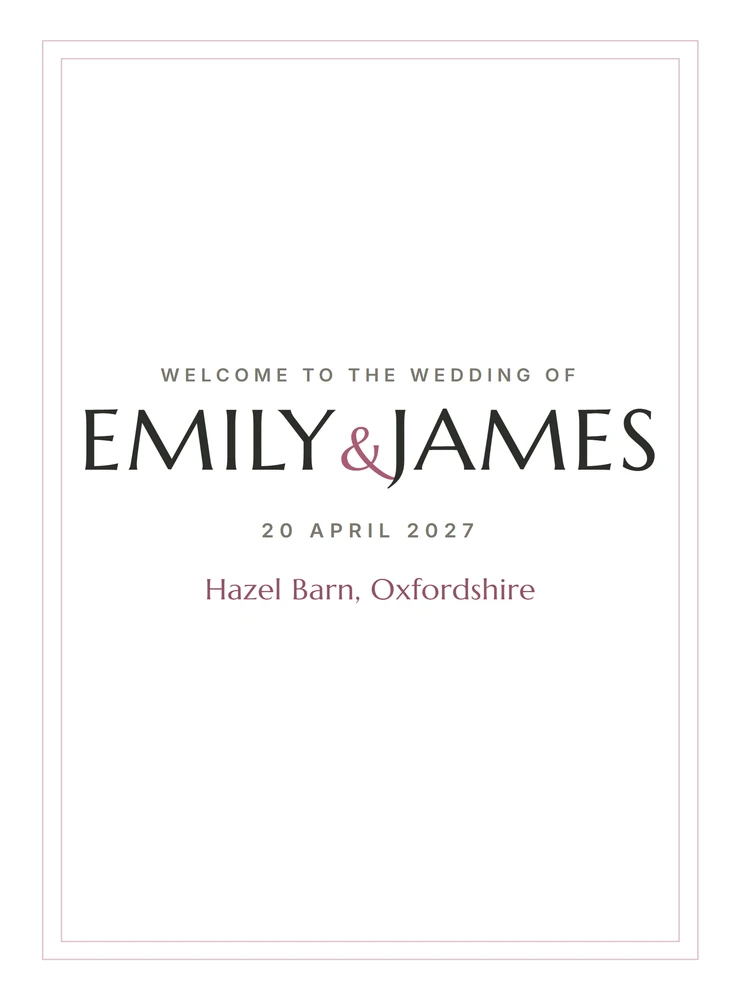
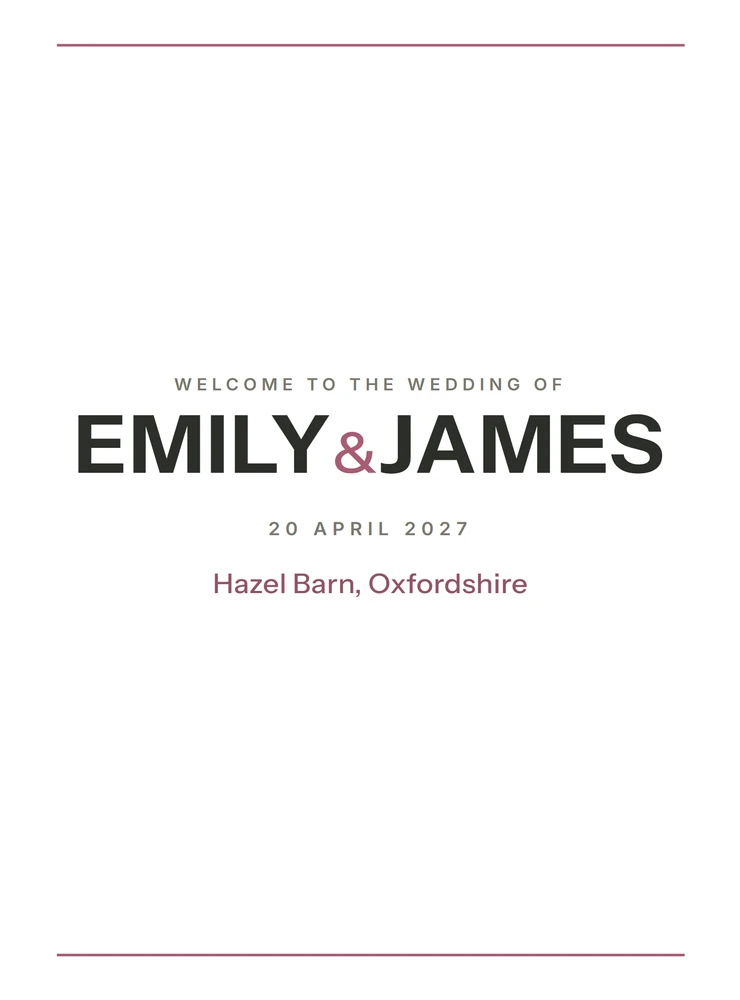
Choose Engraved, Botanical, Modern, Script, Deco, Arch or Vintage. The selected style carries across the full set.
Made for the paper you choose
Select A6, A5, A4 or A3 for each sign. The layout reflows around the chosen paper size before you print or save a PDF.
How it works
No installation, app store or account is required.
Etsy delivers the digital download after purchase, with the maker, quick-start guide, licence and support details.
Enter the names, date and venue, then add the timetable, menus and guest list needed for the signs you want.
Pick the design, colours, fonts and paper size, preview each sign, then print it or save it as a PDF.
Private by design
The maker runs locally in your browser. It has no account, cloud database or analytics, and it does not upload guest names, wedding details, photos or custom monograms.
It does not sync automatically between computers. Export a JSON backup from one device and import it on another when you want to move the project.
Frequently asked
It works on Windows, Mac and Linux computers in a modern version of Chrome, Edge, Safari or Firefox.
No. It is an offline browser app in which you edit the wedding details, design and paper size. You then print the completed signs or save them as PDFs.
The set includes a cover, welcome sign, order of service, order of the day, seating plan, place cards, table numbers, drinks menu, food menu, directions, in-loving-memory sign, photo-sharing sign, two sheets of small signs and your own custom sign.
No. It is built for signs and printed details used at the venue on or around the wedding day, not invitations or save-the-date cards.
Paste one guest per line in the format Name, Table N. The maker uses the list to build the seating plan, place cards and table-number sheets, and you can run it again after making changes.
You can choose A6, A5, A4 or A3 for each sign. Layouts that need more space are kept off unsuitable smaller sizes, and the print view is designed for 100% actual-size printing.
The single-file Wedding Signage Maker app, a quick-start guide, and licence and support details. Etsy delivers the download after purchase.
Buy the Wedding Signage Maker on Etsy, download it once and create the signs without an account or subscription.
Buy on Etsy